The AI Everyone's Talking About, Now in Your Hand
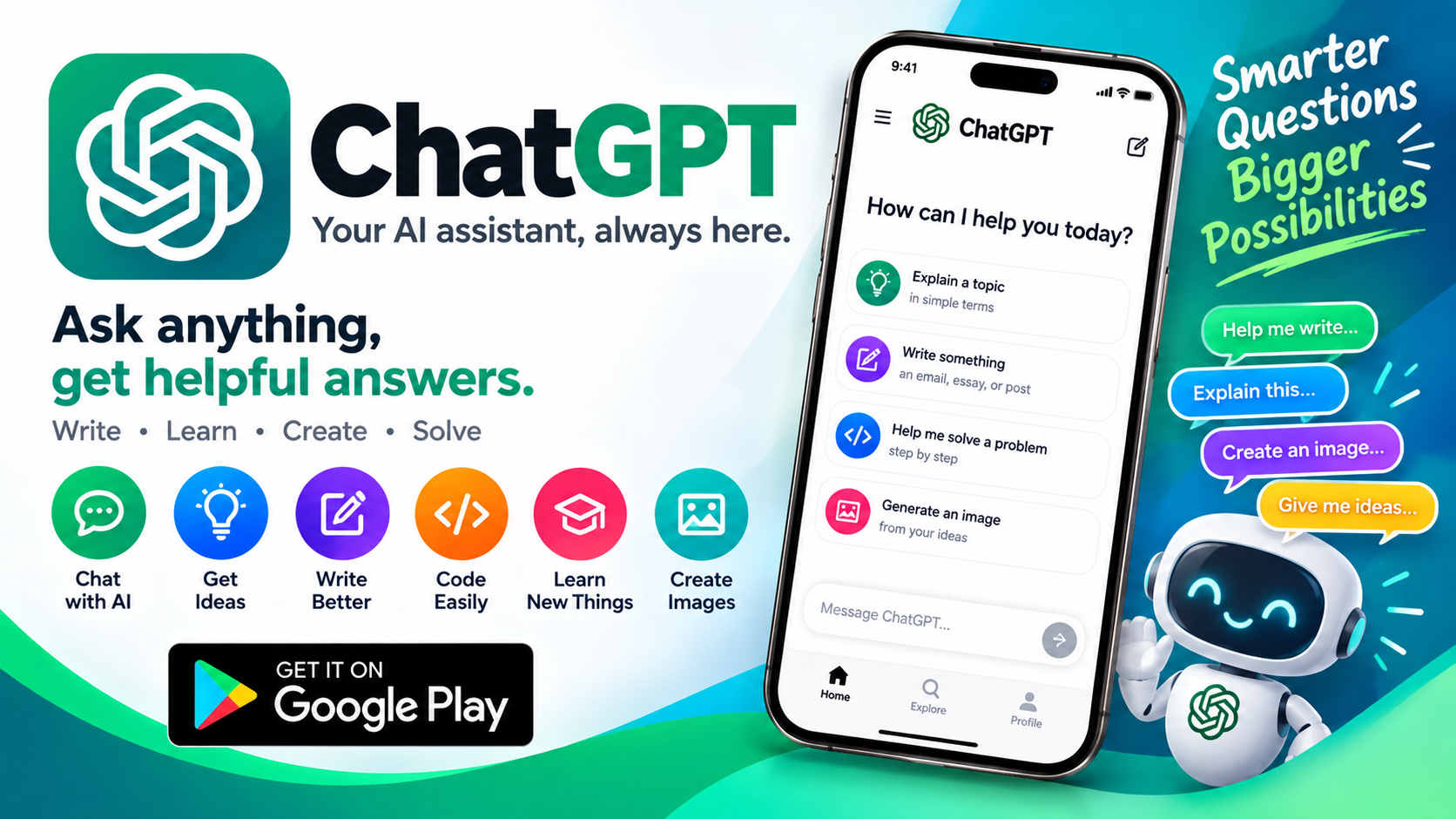
ChatGPT needs little introduction at this point. Since OpenAI released the official Android app, it has become one of the most downloaded and reviewed applications on Google Play, with a staggering 61.5 million reviews and a user base spanning hundreds of millions worldwide . The app is free to download and provides access to OpenAI's latest model improvements, including the company's most advanced model, GPT-4o . For anyone who has used the web version and wondered whether the mobile experience is worth committing to, the short answer is yes — but with caveats. The official app brings the full power of ChatGPT to your phone, with features specifically designed for on-the-go use. The key question isn't whether it's capable — it clearly is — but whether the mobile-specific experience lives up to the high bar set by the desktop version.
The Feature Set: More Than Just a Chatbot
The official ChatGPT app packs an impressive array of capabilities into a mobile interface. According to the Google Play listing, users can access a range of features designed for different situations :
- Advanced Voice Mode: Tap the soundwave icon to have a real-time conversation, whether you're settling a dinner table debate or practicing a new language
- Photo Upload: Snap or upload a picture to transcribe a handwritten recipe, get information about a landmark, or ask questions about an image
- Image Generation: Generate original images from a description or transform existing ones with simple text prompts
- Creative Inspiration: Find custom birthday gift ideas or create personalized greeting cards
- Tailored Advice: Talk through a tough situation, ask for a detailed travel itinerary, or get help crafting the perfect response
- Personalized Learning: Explain complex concepts like electricity to a curious child or brush up on historical events
- Professional Input: Brainstorm marketing copy or map out a business plan
The feature list reads like a Swiss Army knife of AI assistance. The integration of image generation directly into the app is particularly notable — it means you can go from text conversation to visual creation without leaving the interface.
Voice Mode: The Killer Feature That Sometimes Stumbles
Voice Mode is arguably the most compelling reason to use ChatGPT on your phone rather than a computer. The ability to simply talk to an AI and hear it respond in natural-sounding speech transforms the experience from typing-at-a-machine to something closer to conversation. The app's Google Play listing highlights this as a headline feature, and when it works, it's genuinely impressive . However, user reviews reveal that Voice Mode's reliability is inconsistent. One reviewer with a subscription and a high-spec phone reported that for months, they "have not been able to get the voice mode to work consistently" . Another user praised the feature but noted that voice and video chat "sometimes don't follow personal instructions" . When Voice Mode functions as intended, it's a revelation. When it doesn't, it's a source of frustration that undermines one of the app's biggest selling points.
The Free Tier Reality: Limits, Limits, and More Limits
ChatGPT is free to download and use, but "free" comes with significant constraints that users discover quickly. The Google Play data safety section reveals that the app collects location data, personal information, and three other categories of data, and may share device IDs with third parties . But the more immediate limitation is usage. Multiple users have reported that the free tier's message limits are restrictive and, in some cases, seem to have tightened over time . One reviewer noted that "a week ago it was enough to discuss all the points, and since yesterday, four text requests in a chat and that's it, wait for the limit to update" . Image generation is even more constrained — after generating a single image, free users reportedly have to wait an hour before creating another . For casual users, these limits may be tolerable. For anyone relying on ChatGPT for ongoing work or creative projects, the free tier's restrictions quickly become a dealbreaker.
Performance and Stability: Where the Mobile App Struggles
The most consistent complaint across user reviews and developer community forums relates to performance and stability issues that seem particularly pronounced on Android. Users have reported several recurring problems :
- Formula rendering: Mathematical formulas are often garbled or cut off on mobile screens, with some users noting they can only view complete equations on the desktop web version
- Image loading: Images in chats load slowly because they're re-downloaded from the cloud every time instead of being cached locally
- Chat history lag: Scrolling through longer conversations frequently stutters
- Message stream errors: Users have documented repeated "Error in message stream" interruptions that break long conversations and force them to start over
- Synchronization bugs: At least one user reported a long conversation suddenly reverting to a state from months prior, with recent messages completely missing
These aren't isolated incidents. OpenAI's own developer community forum contains multiple threads documenting message stream failures, prolonged loading states, and app freezes on Android . The pattern suggests that the Android app's architecture struggles with long conversations, large attachments, and the kind of sustained use that power users demand.
Data Privacy: What You're Trading for Free Access
Using ChatGPT means entrusting OpenAI with a significant amount of personal data, and the company's privacy policy is transparent about this. According to OpenAI's privacy documentation, the company collects account information, user content (including all prompts, files, images, and audio you upload), communication data, contact data if you choose to sync contacts, and extensive usage data including IP address, browser type, and interaction patterns . For free and Go tier users, OpenAI also collects advertising history and interest data . The app's Google Play data safety section confirms that location data, personal info, and other categories are collected, and that data may be shared with third parties, particularly device IDs . An independent analysis by Exodus Privacy found two trackers in the app — one for analytics profiling and one for crash reporting — along with 30 permissions, several of which are flagged as "dangerous" or "special" . This doesn't mean ChatGPT is malicious, but it does mean that using the app involves a meaningful privacy trade-off that users should understand.
The Verdict: Indispensable but Imperfect
The official ChatGPT Android app is, without question, one of the most capable AI tools you can put on your phone. The breadth of features — voice mode, image generation, photo analysis, and conversational AI — is unmatched by any competitor, and the integration with OpenAI's latest models ensures you're always working with cutting-edge technology. For quick questions, brainstorming sessions, and creative exploration, it's genuinely transformative.
But the mobile experience has real friction points. Performance issues, usage limits, and occasional reliability problems with Voice Mode mean that the app isn't always the smooth, magical experience the marketing suggests. Power users who need consistent, uninterrupted access may find the free tier too restrictive and the Android app's stability lacking.
For most people, the equation is simple: download it, use it within its limits, and appreciate what it offers. Just go in with realistic expectations. The AI is brilliant — the app that delivers it to your phone is still catching up.