A Translator That Fits in Your Pocket
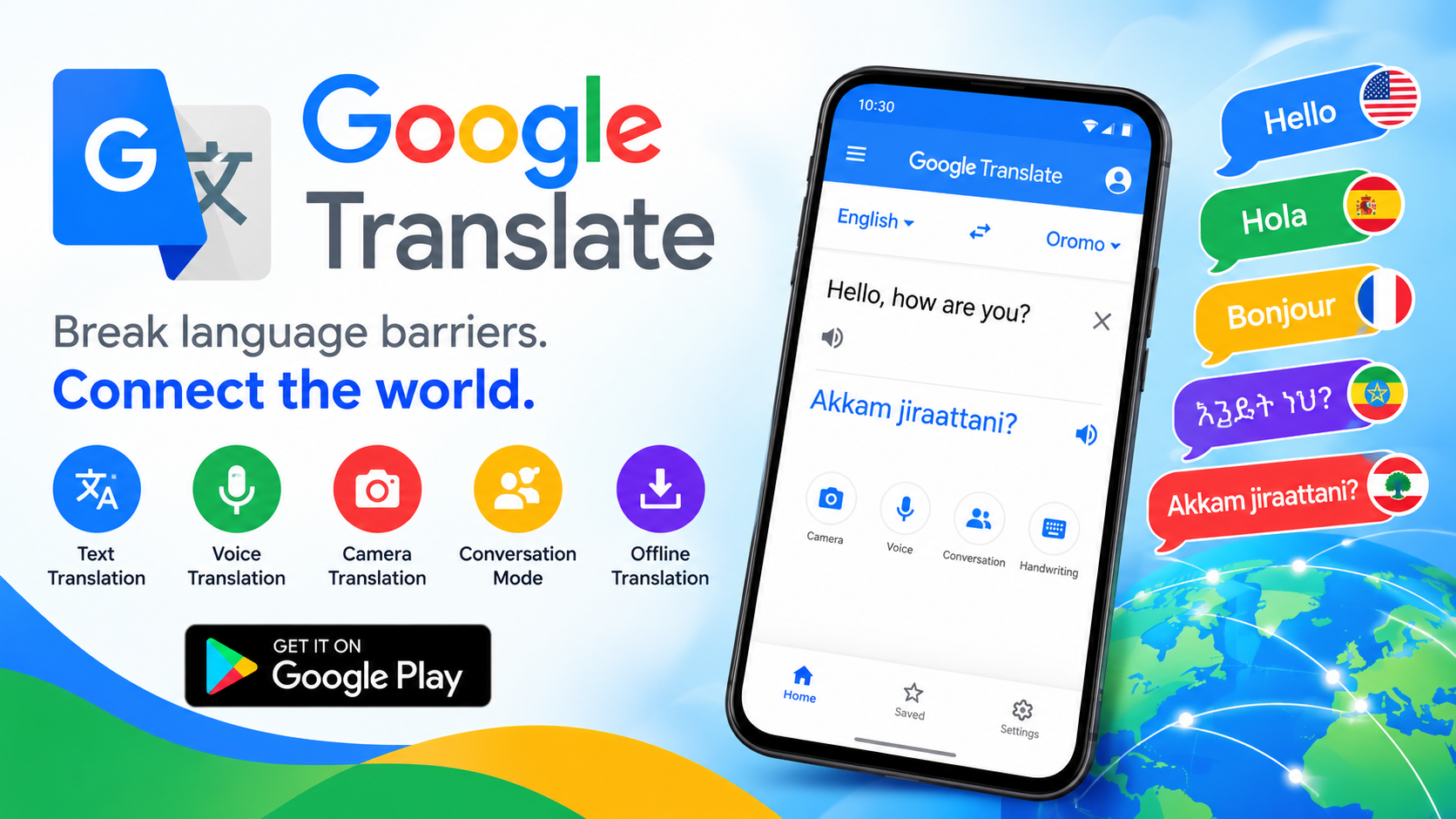
If you've ever stared blankly at a menu in a foreign country, tried to decipher a letter written in a language you don't speak, or found yourself in a conversation where neither party shares a common tongue, you already understand why Google Translate has become one of the most downloaded apps on the planet. Available on Google Play and published by Google LLC, this app has quietly evolved from a simple text-swapping tool into a full-featured communication companion. With support for more than 100 languages and a rating built on over 8.5 million reviews, it's less of a novelty and more of a daily utility for travelers, students, professionals, and anyone navigating our increasingly multilingual world. The latest update, dated October 9, 2026, focuses on bug fixes and performance improvements, keeping the experience smooth rather than reinventing the wheel.
Text Translation and Tap-to-Translate: The Everyday Workhorses
At its core, Google Translate does exactly what its name promises: you type text, and it translates it. The app supports text translation across 108 languages, which covers the overwhelming majority of the world's speakers. But the feature most users end up relying on daily is Tap to Translate. Once enabled, you can copy text in any other app — a chat message, a news article, a social media caption — and a small Google Translate icon appears. Tap it, and the translation pops up without ever leaving the app you're in. It works regardless of language and eliminates the tedious copy-paste-switch-apps dance. For anyone who regularly encounters foreign-language content online, this single feature can transform how you read the web.
Camera, Photo, and Handwriting: Translation Without Typing
Not all text comes in a form you can type, and that's where Google Translate's visual tools shine:
- Instant Camera Translation: Point your camera at signs, menus, labels, or documents, and the app overlays translations in near real time. It supports 94 languages.
- Photo Translation: Snap or import a picture and get high-quality translations of the text within it, available for 90 languages. This is ideal for printed documents where live camera scanning is awkward.
- Handwriting Translation: For languages with non-Latin scripts, you can draw characters by hand instead of typing them. This supports 96 languages and is a lifesaver for scripts you can't reproduce on a standard keyboard.
Together, these features mean you're no longer blocked by the format of the text in front of you — only by whether the app recognizes it.
Offline, Conversation, and Transcription Modes
Connectivity isn't guaranteed when you're traveling, which is precisely why offline translation matters. You can download language packs ahead of time and translate without an internet connection across 59 languages. It's not always as nuanced as the online version, but it's more than enough to order food, ask for directions, or read a basic sign.
For live interaction, Conversation Mode translates back-and-forth dialogue in real time across 70 languages, making it genuinely useful for face-to-face exchanges with people who don't share your language. Even more impressive is Transcription, which continuously translates speech in near real time across 8 languages — think of it as live subtitles for the spoken word, perfect for lectures, meetings, or guided tours.
The Details That Make It Stick: Favorites and Sync
Small features often determine whether an app becomes a habit or gets deleted. Google Translate includes a favorites system — star any translation and it's saved for later reference, in any language. Better still, your favorites sync across devices when you sign in, so a phrase you saved on your phone is waiting for you on your desktop. This is especially handy for building a personal phrasebook before a trip: save "Where is the train station?" in Japanese, "I'm allergic to peanuts" in Spanish, or business vocabulary in German, and access it all from any device. Combined with the transcription and conversation tools, it turns the app into a lightweight interpreter's toolkit rather than a one-off lookup service.
Data Privacy, Permissions, and What You're Trading
Google Translate is free, but free apps come with trade-offs worth understanding. According to the app's data safety disclosures, it may collect location data, personal information, and five other categories of data. Data is encrypted in transit, the developer states that no data is shared with third parties, and you can request that your data be deleted. There's also an independent security review listed. The app requests permissions for your microphone (voice translation), camera (visual translation), external storage (downloading offline packs), and account credentials (sign-in and sync). None of these are unusual for a translation app, but it's worth reviewing which you actually need — if you never use camera translation, for instance, you can deny that permission.
What Real Users Are Saying
The app's 8.5 million-plus reviews paint a mostly positive picture, with users frequently praising its breadth of language support, fast performance, and accuracy for everyday content. One reviewer noted that it works stably even in environments like microG and has been a huge help for reading foreign-language material, while hoping offline packs continue to improve. Another described using it while traveling in Thailand, communicating with locals with no real barriers — and was pleasantly surprised that the app even provided phonetic pronunciation guides alongside translations. That said, not all feedback is glowing. One user complained about the landscape-mode floating translation window, saying there wasn't enough screen space to display more than two lines of phonetic text, making both the original and translated text unreadable. It's a fair reminder that while the core experience is polished, edge cases in the interface still exist.
The Verdict: Should You Install It?
For the vast majority of Android users, the answer is an easy yes. Google Translate is free, remarkably broad in language coverage, and genuinely useful across text, voice, camera, handwriting, and offline scenarios — a combination few competitors match in a single app. It's not perfect: the interface has occasional rough edges, offline quality lags behind online results, and data collection is something to be aware of. But as a free, always-available tool for breaking down language barriers, it's hard to beat. Whether you're a frequent traveler, a language learner, or someone who simply wants to understand the occasional foreign message, Google Translate earns its place on your home screen. Install it, download a couple of offline language packs before your next trip, and you'll wonder how you ever managed without it.